


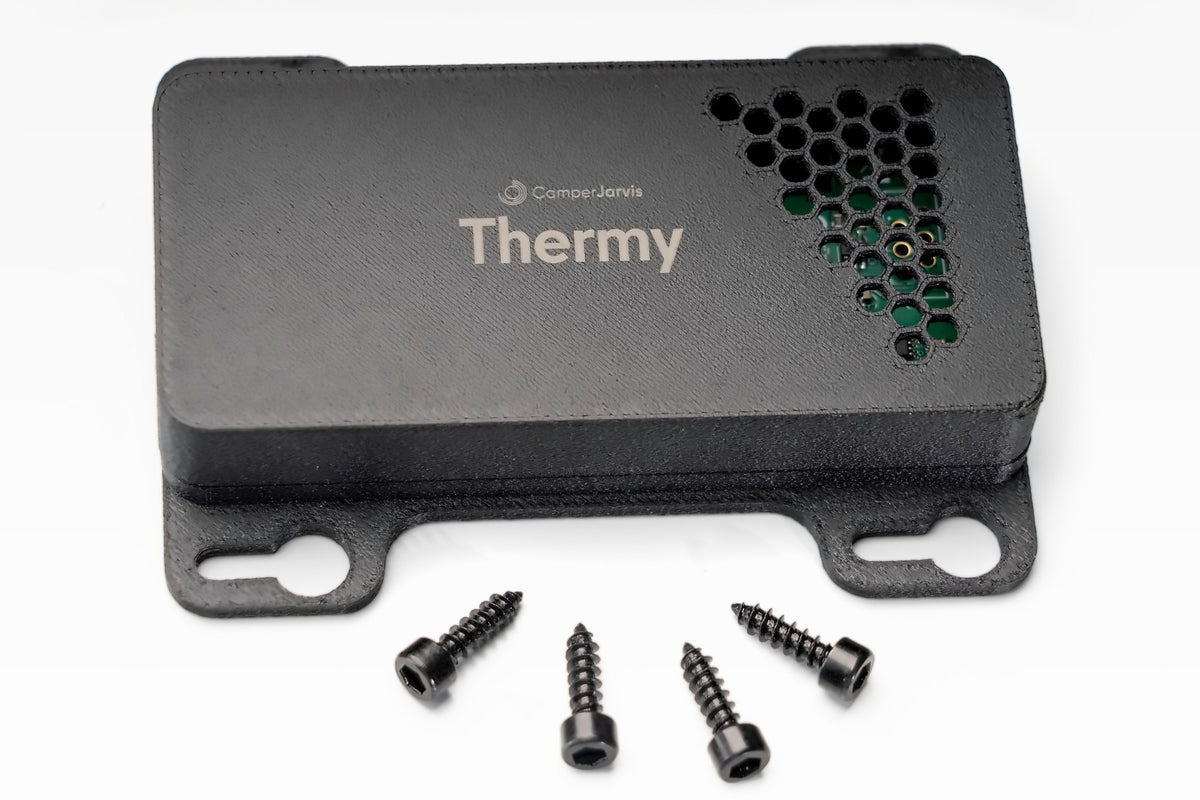
Thermy at a glance
Air conditioning without a remote
Target temperature and mode on the SmartKnob or in the dashboard, for example the Dometic FreshJet.
Fridge in view
On and off, faults in plain words instead of blink codes. With a RuuviTag in the fridge, also see and set the temperature.
Quiet nights
With a RuuviTag in the fridge, Thermy lowers the cooling at night, so the compressor starts less often.
Cooling with solar power
With a full battery the fridge pre-cools deeper with surplus solar. With Volty, Solar Plus and a RuuviTag in the fridge.
Plug and play
Matching adapter cable, power comes from the device. No extra cable needed.
On autopilot
Pre-cool in the afternoon, quiet at night, air conditioning only on shore power: all automated.
Frequently asked questions about Thermy
Which devices can I control with Thermy?
Roof air conditioners with a data connection, for example the Dometic FreshJet, and fridges from Dometic, Thetford and Vitrifrigo. We work out which adapter cable fits your device with you when you send your enquiry. If your device is not supported yet, just ask us, we keep adding more brands.
What can I set with Thermy?
For the air conditioner, target temperature and operating mode, and you can always see what the unit is doing. For the fridge, you switch it on and off and get faults in plain language instead of blink codes.
Manufacturers do not transmit the actual temperature inside the fridge via the CI bus. Thermy can only set the fridge temperature once the actual temperature is known, which takes a RuuviTag wireless sensor in the fridge. Support for RuuviTag is coming soon. Then Thermy can also reduce cooling at night so that the compressor starts less often.
Everything on the SmartKnob or in the dashboard, no extra remote control needed.
Does Thermy need its own power cable?
No. Thermy plugs straight into your device with a matching adapter cable and gets its power from there too. Then you pair Thermy with the SmartKnob and you are done.
Do I need a SmartKnob for Thermy?
Yes. Thermy is a module and connects wirelessly and encrypted to the SmartKnob, the hub of the system. That is where, along with the dashboard, you operate your air conditioner and fridge.
Can Thermy work automatically?
Yes. You link Thermy to scenes and schedules, for example pre-cooling in the afternoon and switching to quiet night mode at bedtime. You can still control everything by hand at any time.
Can my fridge cool with surplus solar power?
Yes. When the battery is full and the sun keeps shining, the fridge uses the surplus to pre-cool a little further. That saves power in the evening and keeps the compressor quiet for longer. For this you need Volty for the battery data and a RuuviTag in the fridge.
What is the difference between Thermy and Heaty?
Thermy takes care of the air conditioner and fridge, Heaty of the parking heater. Technically, both are built on the same module. On the SmartKnob and in the dashboard, everything ends up together in one place.
I am planning a MaxxFan. What should I prepare during my build?
Lay a shielded data cable from the roof hatch down right away. The MaxxFan interferes strongly with unshielded cables, and this way you will not have to get back up to the roof hatch later.
More questions? All answers in the knowledge centre or write to us.


